Draw it. Drop it. See what happens.
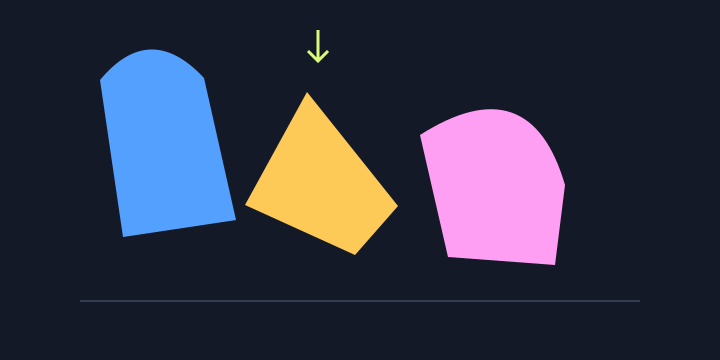
Gravity Doodle is an open-ended physics playground. You create the objects, then experiment with how they collide. There is no score, time limit or prescribed solution.
Your first shape
- Press inside the dark drawing area with a mouse, or touch it with one finger.
- Drag a reasonably large loop or zigzag. Very short strokes are ignored.
- Release. A colored solid shape appears and falls.
- Draw more objects above your first shape and watch the pile change.
Why a drawing looks different after release
The game uses the outer convex outline of the points you draw. It closes the outline automatically and fills inward dents. A U-shaped stroke becomes a solid shape rather than an open cup. Your stroke does not need to close perfectly, but it needs enough points to form an area.
Three experiments
- A wobbly tower: draw several flat, narrow shapes, stacking each above the last. Add a tall shape on top, then press Shake! to see where the stack gives way.
- Ceiling rain: build a pile at the floor, flip gravity and watch the shapes rise. Flip it back before they reach the ceiling to change their motion again.
- Size and bounce: drop small shapes onto a larger one. Try triangles, rounded strokes and thin platforms to see how the outlines affect collisions.
Mouse and phone controls
Use the three buttons above the drawing area to clear all objects, reverse gravity, or add a burst of motion. On phones, one finger draws. Scroll by swiping outside the drawing area. Rotating the phone resizes the boundaries; it does not clear your shapes.
If the game does not load or slows down
The physics library is loaded from jsDelivr. If that request is blocked or unavailable, check your connection and reload. With many shapes on screen, physics uses more processing time; press Clear to start a smaller experiment.